How to Register and Pay Kahramaa Bills in Qatar 2026
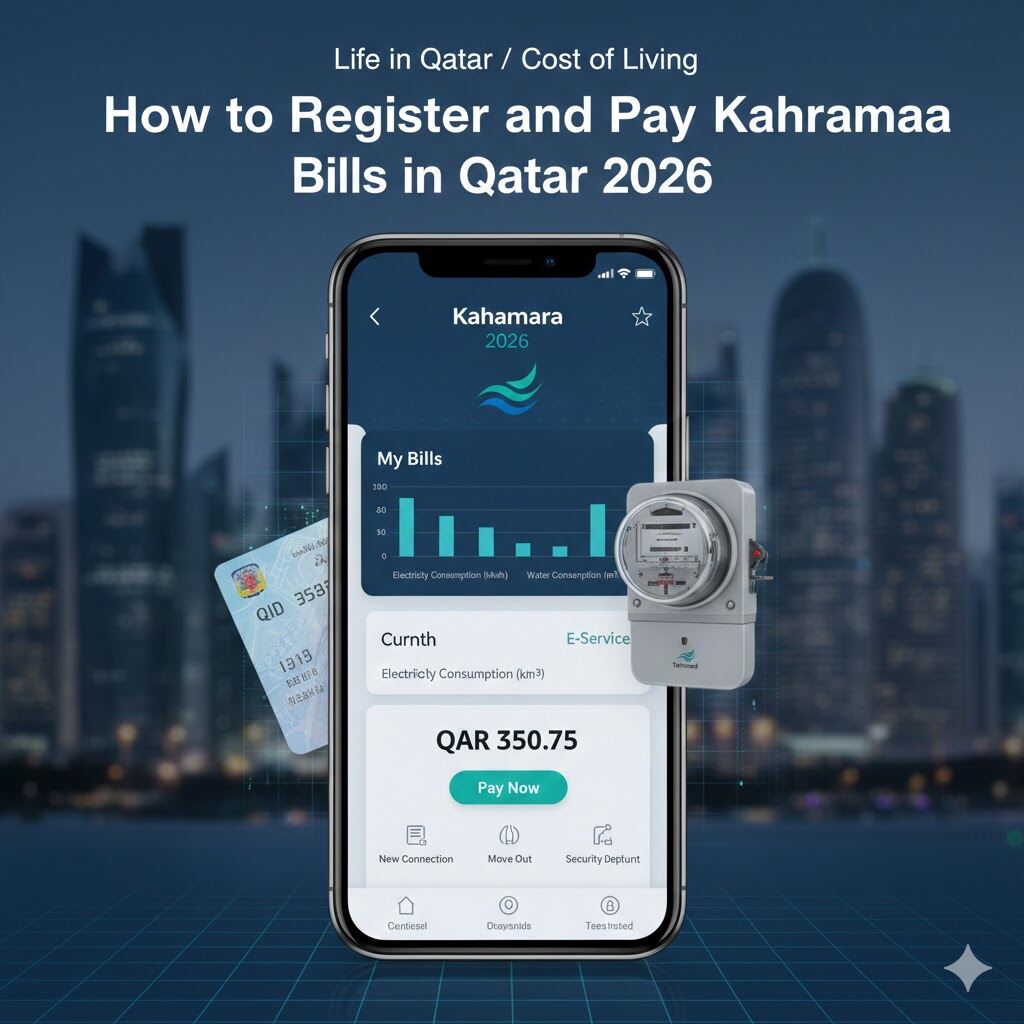
Managing your cost of living in Qatar starts with understanding your utility bills. Kahramaa (Qatar General Electricity & Water Corporation) is the sole provider of water and electricity in the country.
In 2026, the process of activating services and paying bills has become fully digital, integrated with your Qatar ID (QID) and Metrash2. This guide will walk you through setting up your connection and managing your monthly utility expenses efficiently.
1. Setting Up a New Kahramaa Connection
When moving into a new apartment or villa, you must transfer the electricity and water meters to your name.
- The E-Lease Integration: In 2026, most connections are automatically triggered when your landlord registers your tenancy contract (Tawtheeq) through the Ministry of Municipality.
- Manual Registration: If it’s not automatic, you can apply via the Kahramaa Website or Mobile App using your QID and the Electricity Number (found on a small plate located at the entrance of your building).
- Security Deposit: For expatriates, a refundable security deposit is required. Typically, this is $550 (QAR 2,000) for apartments and $1,100 (QAR 4,000) for villas.
2. Understanding Utility Costs in Qatar
Utility prices are a significant factor in the cost of living. While water and electricity are subsidized, Qatar encourages conservation through the Tarsheed program.
- Electricity Rates: Charged per kilowatt-hour (kWh).
- Water Rates: Charged per cubic meter.
- Billing Cycle: You will receive a monthly SMS and email notification with your total consumption and the amount due.
3. How to Pay Your Kahramaa Bill Online
Paying bills in 2026 is seamless with several digital options:
A. Kahramaa Mobile App & Website
The most direct way to pay is through the official portal. You can use the “Quick Pay” feature by simply entering your QID and Electricity Number without needing to log in.
B. Ooredoo Money & Banking Apps
Most residents prefer using the Ooredoo Money app or their local bank accounts (QNB, CBQ, Doha Bank). These apps allow you to save your Kahramaa account details for one-click monthly payments.
C. Self-Service Machines
You can also find Kahramaa payment kiosks in major malls and government service centers across Doha.
4. Moving Out: Disconnection and Refund
When your lease ends, you must apply for a “Move Out” or “Closing Account” certificate to get your security deposit back.
- Submit a request via the app.
- Provide your final meter reading.
- The security deposit will be refunded to your registered bank account or can be adjusted against your final bill.
Frequently Asked Questions (FAQs)
How can I check my Kahramaa bill online? You can check your current balance by visiting the Kahramaa website and entering your Electricity Number under the “Quick Pay” section.
Can I pay my Kahramaa bill through Metrash2? While Metrash2 handles visa and traffic services, it links to your official residency data which Kahramaa uses for verification. However, direct bill payment is done through the Kahramaa app or banking apps.
Is there a fine for late Kahramaa payments? Kahramaa usually provides a grace period, but repeated failure to pay may result in a service disconnection. A reconnection fee is applied once the balance is cleared.
Read More about To open a utility account, you must hold a valid Qatar Residence Visa or QID.