How to Check Qatar Visa Status Online 2026
Waiting for your visa approval can be anxious, but the Ministry of Interior (MOI) has made it incredibly easy to track your application. Whether you have applied for a family visit visa, a business visa, or a work permit, you can check the progress in real-time.
In this guide, we will show you the fastest ways to check your Qatar visa status using just your passport number or QID through the official MOI portal and Metrash2.
1. Qatar Visa Status Check by Passport Number
If you are outside Qatar or don’t have a QID yet, using your passport number is the most common method.
Steps to follow:
- Visit the official MOI Qatar Portal.
- Click on the Inquiries icon.
- Select Visa Services and then click on Visa Inquiry.
- Choose the Passport Number option.
- Enter your passport number and select your Nationality.
- Enter the verification code (Captcha) and click Submit.
2. Qatar Visa Status Check by Visa Number
If you already have a printed visa copy or a visa number provided by your sponsor, follow these steps:
- Go to the MOI website’s Visa Inquiry section.
- Select the Visa Number option.
- Input your 12-digit visa number.
- Complete the Captcha and press Check.
3. Understanding Your Visa Status Meanings
When you check your status, you might see different terms. Here is what they mean:
| Status Status | Meaning | Action Required |
| Under Process | Your documents are being reviewed. | Wait for 2-3 more days. |
| Ready to Print | Your visa is approved! | Pay the fee and download. |
| Rejected | Application was not approved. | Contact your sponsor/MOI. |
| Expired | Visa validity has passed. | Apply for a new visa. |
4. How to Check Status via Metrash2 App
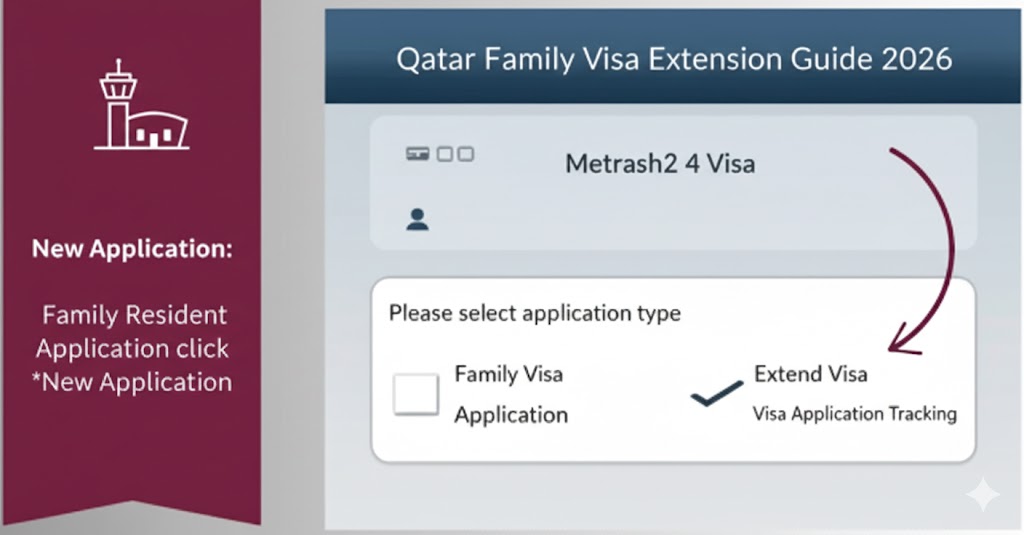
For residents (sponsors), Metrash2 is the most convenient tool to track family visas.
- Open the Metrash2 App on your phone.
- Log in with your QID and PIN.
- Tap on Visa and then Visa Services.
- Go to Visa Application Tracking.
- You will see a list of all visas under your sponsorship and their current status.
5. What to do if your Visa is “Under Process” for too long?
Sometimes, a visa stays “Under Process” for more than 10 working days. This usually happens due to:
- Incomplete documentation.
- Security background checks.
- Profession mismatch.
Solution: Ask your sponsor to visit the MOI Service Center (Gharafa) with the original application receipt to get a manual update.
6. Important Links for New Arrivals
Once your visa is approved, make sure you are prepared for the next steps:
- Qatar Family Visit Visa Guide: Double-check the requirements if you haven’t applied yet.
- [Visa Extension Process]: Learn how to extend your stay once you arrive in Doha.
Frequently Asked Questions (FAQs)
How can I check my Qatar visa status with a passport number? Visit the MOI website, go to “Visa Services,” enter your passport number and nationality, and click submit to see your current status.
Is the MOI website the only way to check visa status? No, you can also use the Metrash2 mobile app or visit any Ministry of Interior service center in Qatar.
What is the fee for checking visa status online? Checking your visa status on the official MOI portal or Metrash2 app is completely free.
Can I print my visa after approval? Yes, once the status shows “Ready to Print,” you can pay the visa fee online and download the PDF version for travel.